Production-ready nesting online

Turn DXF/DWG parts into optimized cutting layouts

Upload parts, choose material and cutting technology, then generate production-ready nesting files with lower waste and clear cutting reports.

94%
avg. material utilization
DXF/DWG
native file support
<60 s
calculation time
Cabinet_Parts — Sheet 1 of 294.2% utilized 14 / 14 placed
Parts (7 types)
Side_L.dxf×2
Side_R.dxf×2
Shelf_A.dxf×4
Back_Panel.dxf×1
Door_Frt.dxf×2
Top_Piece.dxf×1
Sheet size2440 × 1220 mm
MaterialMDF 18 mm
Sheets avail.∞ (auto)
Side_LSide_RBack_PanelSide_LSide_RDoor_FrtDoor_FrtShelf_A ×4Top_PieceShelf_AShelf_A8 mm gap⌀6 mm kerf2440 mm
Cutting settings
TechnologyCNC Routing
Tool diameter (kerf)⌀ 6 mm
Part spacing8 mm
Edge margin10 mm
RotationBy 90°
Grain directionLocked
Tabs/bridgesOff
PriorityMin. waste
Remnant savingEnabled
Output:DXF exportPDF reportCSV parts listRemnant map included
2Sheets used
5.8%Remnant / waste
14/14Parts placed
18.4 mCut length
~4 minEst. cut time
How it works

From part file to production layout in four steps

01
Upload DXF/DWG parts
Drag and drop part files. Contours are extracted and validated. Set quantity per part.
02
Set material and sheet size
Define sheet dimensions, material thickness, and available quantity. Choose from presets or enter custom values.
03
Configure cutting parameters
Set technology (CNC, laser, plasma, waterjet), tool diameter, kerf, part spacing, rotation, and grain direction.
04
Export production files
Download optimized DXF sheet layouts, PDF production reports with part index, and CSV parts list.
Use cases

Built for real cutting jobs

From small workshops to production lines — Nesting Center adapts to the materials and file types you already use.

CNC workshops
Typical materials
MDF, birch plywood, OSB, solid wood panels
Common file types
DXF, DWG — from CAD/CAM or cabinet design software
Key parameters
Tool diameter 4–12 mm, grain direction, tabs/bridges
Key output
DXF sheet layout + PDF cutting plan
Furniture manufacturers
Typical materials
Chipboard, MDF, laminated panels, hardwood
Common file types
DXF per panel part, batch imports from BOM
Key parameters
Grain lock, remnant saving, part labels, quantity batches
Key output
Production report + CSV parts list per sheet
Sheet metal cutting
Typical materials
Steel, stainless, aluminium, copper plate
Common file types
DXF from SolidWorks, Fusion 360, AutoCAD
Key parameters
Plasma/laser kerf, heat compensation, common-line cutting
Key output
DXF layout + cut path length + material utilization report
Prototyping studios
Typical materials
Acrylic, foam board, cardboard, thin aluminium
Common file types
DXF, SVG, PDF — from Illustrator, Rhino, Fusion 360
Key parameters
Minimal kerf, free rotation, mixed sheet sizes
Key output
Quick DXF layout — ready for laser or CNC in minutes
Supported technologies

Configured for each cutting process

Tool diameter, kerf width, and part spacing are set per technology. Parameters are not shared between processes.

CNC Routing
Tool offset compensation, tabs, grain direction lock, common sheet presets.
Kerf: 3–16 mm · Spacing: from tool ⌀
Laser Cutting
Minimal kerf settings, common-line cutting, micro-joint support.
Kerf: 0.05–1 mm · Co-edge cutting
Plasma Cutting
Wider kerf, heat-affected zone offset, high-speed profile for thick plate.
Kerf: 1.5–6 mm · HAZ compensation
Waterjet
Taper angle compensation, abrasive kerf, precision settings for thick stock.
Kerf: 0.8–2 mm · Taper offset
Prototyping
Mixed materials, irregular sheet sizes, fast iteration without production constraints.
Any kerf · Free rotation allowed
Platform features

Every parameter that affects cut quality

Nesting Center exposes the precise controls that production teams need — without overwhelming casual users.

DXF/DWG
Native file import
Parses AutoCAD DXF and DWG. Imports closed contours, holes, slots, and internal cutouts.
Kerf
Tool diameter offset
Applies tool or kerf compensation to all parts. Accounts for inside vs. outside contour direction.
Spacing
Part-to-part distance
Set part spacing independent of kerf. Supports edge margin and minimum bridge width.
Rotation
Rotation constraints
Allow free rotation, restrict to 90° or 45° steps, or lock parts — per part or globally.
Grain
Grain direction lock
Lock part orientation to sheet grain for wood, laminate, and anisotropic materials.
Sheets
Multi-sheet layout
Distributes parts across multiple sheets. Tracks remnants and offcuts per sheet.
Report
Production report
PDF with sheet thumbnails, part index, material utilization, cut length, and estimated machine time.
Batch
Batch calculation
Queue multiple nesting jobs with different materials and technologies. Run in sequence.
Product interface

A workspace built for production

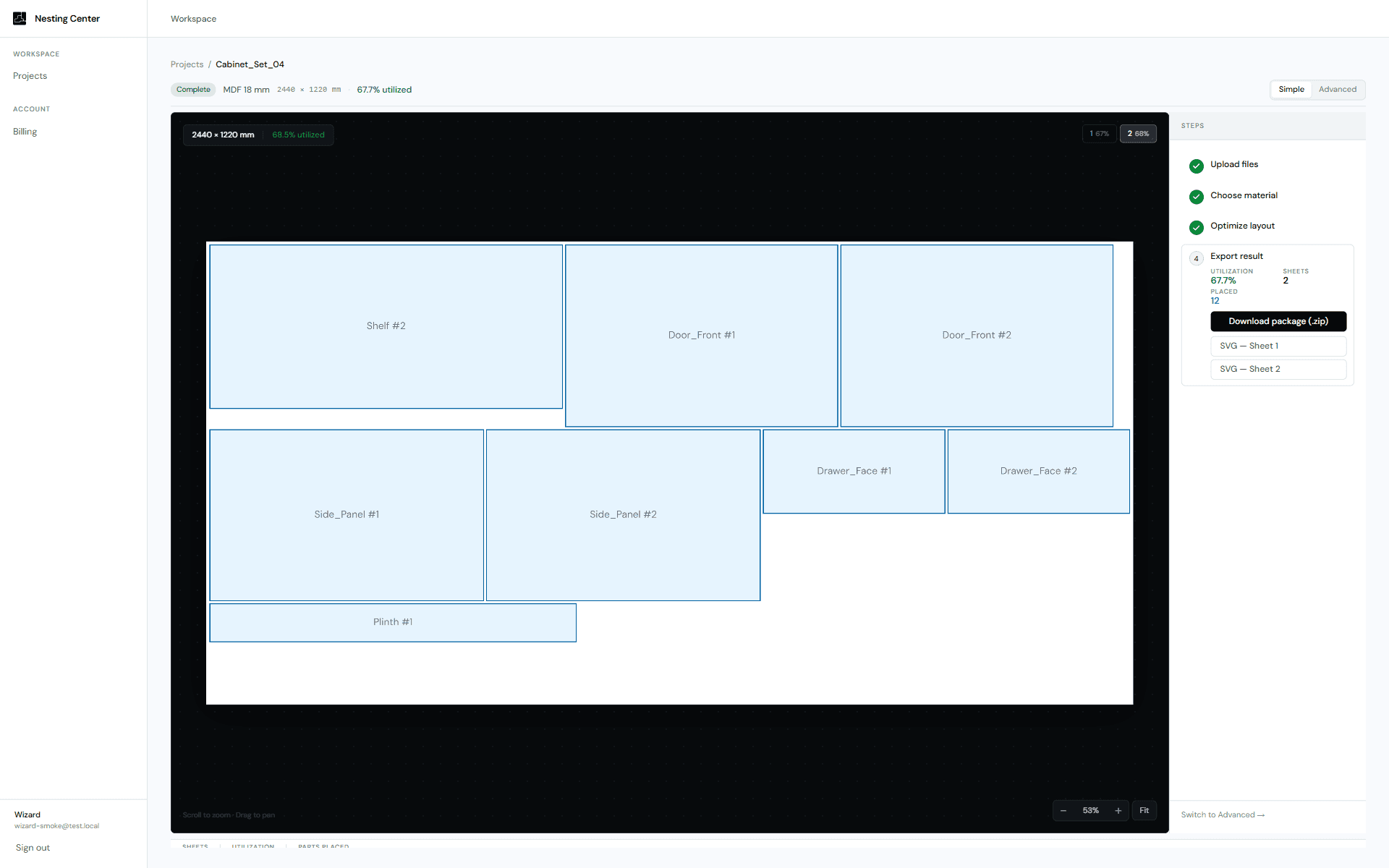
Sheet canvas, cutting settings, remnant tracking, and export — in one focused interface.

Cabinet_Set_04
Metal_Frame_02
Door_Panels
Open workspace →
Projects
Cabinet_Set_04
Metal_Frame_02
Door_Panels
Materials
MDF 18 mm
Birch Ply 12 mm
Steel 3 mm
Reports
Cabinet_Set_04.pdf
Metal_Frame_02.dxf
Side_LSide_RBack_PanelSide_LSide_RDoor_FrtDoor_FrtShelf_AShelf_Aremnant5.8%
Material
2440 × 1220 mm
18 mm
Cutting
CNC Routing
6 mm
8 mm
10 mm
Constraints
By 90°
Locked
Min. waste
2Sheets used
5.8%Remnant / waste
14 / 14Parts placed
18.4 mTotal cut length
~4 minEst. cut time
Pricing

Simple plans, no surprises

Start free with five nesting projects per month. Scale up when production volume demands it.

Starter
Free
For individual use and occasional cutting jobs.
  • 5 nesting projects / month
  • DXF / SVG import
  • Single sheet size
  • PDF export
Workshop
$149 / mo
For production teams with batch jobs and reporting needs.
  • Everything in Professional
  • Batch calculation queue
  • Team members (up to 5)
  • Material cost tracking
  • Job package export
Enterprise
Custom
For large manufacturers and ERP/MES integration.
  • Everything in Workshop
  • API access
  • ERP / MES integration
  • Unlimited team members
  • SLA & dedicated support
Get started

Upload a DXF file and generate your first layout

No account needed to start. Results in under a minute.